
'%3e%3cpath%20d='M15.1003%2043.5001C33.2091%2043.5001%2043.1166%2028.4935%2043.1166%2015.4838C43.1166%2015.062%2043.1072%2014.6307%2043.0884%2014.2088C45.0157%2012.815%2046.679%2011.0886%2048%209.11072C46.205%209.90932%2044.2993%2010.4309%2042.3478%2010.6576C44.4026%209.42594%2045.9411%207.49107%2046.6781%205.21166C44.7451%206.35724%2042.6312%207.16535%2040.4269%207.60134C38.9417%206.02324%2036.978%204.97835%2034.8394%204.62822C32.7008%204.27809%2030.5064%204.64222%2028.5955%205.66431C26.6846%206.68641%2025.1636%208.30953%2024.2677%2010.2827C23.3718%2012.256%2023.1509%2014.4694%2023.6391%2016.5807C19.725%2016.3843%2015.8959%2015.3675%2012.4%2013.5963C8.90405%2011.8251%205.81939%209.339%203.34594%206.29916C2.0888%208.46661%201.70411%2011.0314%202.27006%2013.4723C2.83601%2015.9132%204.31013%2018.047%206.39281%2019.4401C4.82926%2019.3905%203.29995%2018.9695%201.93125%2018.212V18.3338C1.92985%2020.6084%202.7162%2022.8133%204.15662%2024.5737C5.59704%2026.334%207.60265%2027.5412%209.8325%2027.9901C8.38411%2028.3864%206.86396%2028.4441%205.38969%2028.1588C6.01891%2030.115%207.24315%2031.8259%208.89154%2033.0528C10.5399%2034.2797%2012.5302%2034.9613%2014.5847%2035.0026C11.0968%2037.7423%206.78835%2039.2284%202.35313%2039.2213C1.56657%2039.2201%200.780798%2039.1719%200%2039.077C4.50571%2041.9676%209.74706%2043.5029%2015.1003%2043.5001Z'%20fill='%23F7F7F7'/%3e%3c/g%3e%3cdefs%3e%3cclipPath%20id='clip0'%3e%3crect%20width='48'%20height='48'%20fill='white'/%3e%3c/clipPath%3e%3c/defs%3e%3c/svg%3e)


DriveWorks is one of the most respected names in SOLIDWORKS design automation. It's been around since 2001, it's a SOLIDWORKS Certified Gold Partner, and thousands of manufacturers use it to automate repetitive CAD work. If your engineering team lives inside SOLIDWORKS, you've probably heard of it. This post looks at what DriveWorks does well, where its approach creates constraints, and what to consider if you need a customer-facing configurator without the CAD infrastructure overhead.
How DriveWorks Works
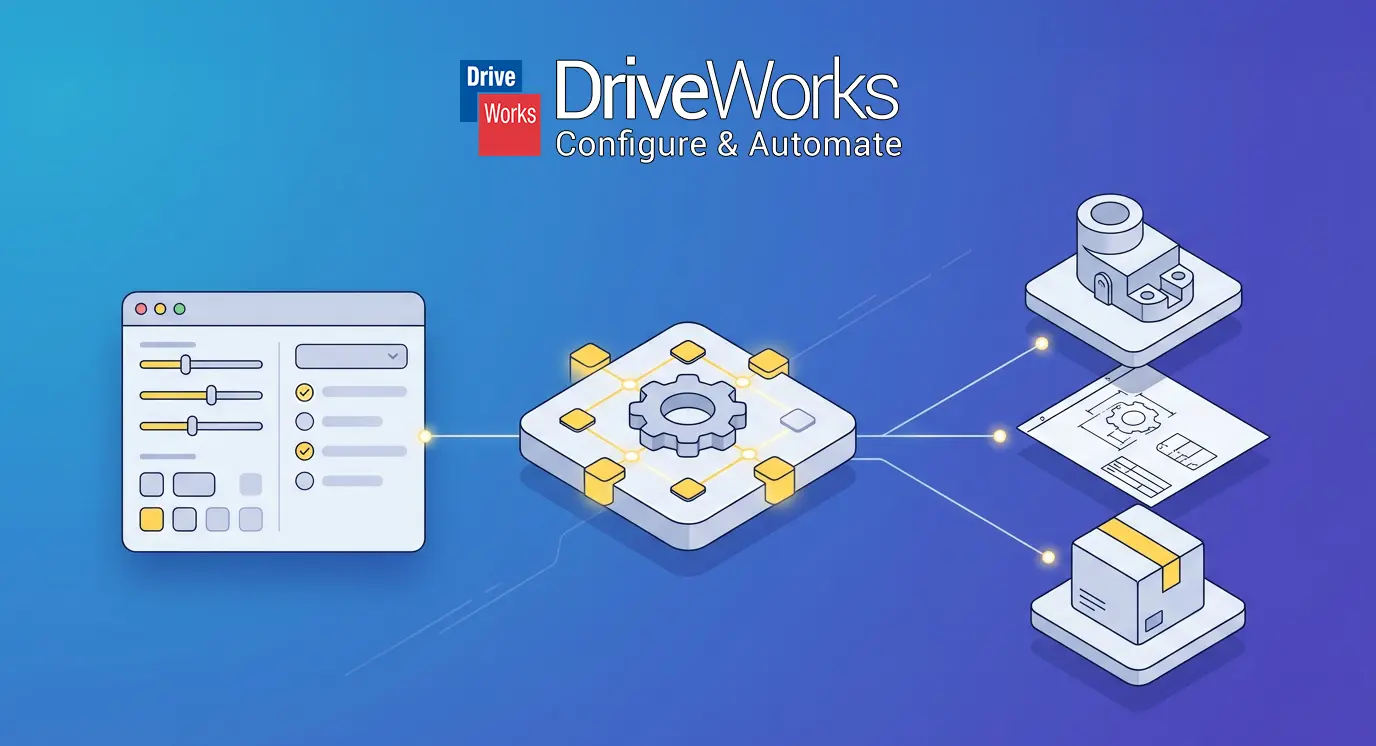
DriveWorks is, at its core, a SOLIDWORKS automation engine with a configurator layer on top. Instead of an engineer manually adjusting dimensions, suppressing features, and rebuilding drawings for each custom job, DriveWorks lets you define rules once and automate those changes. The product line has three tiers:
- DriveWorksXpress: Free, built into every SOLIDWORKS seat. Handles basic part and assembly automation including simple drawings, but can't generate documents like quotes, BOMs, or cover letters.
- DriveWorks Solo: A SOLIDWORKS add-in for single-user design automation. Runs inside SOLIDWORKS with form-based interfaces for entering specifications. Generates order-specific parts, assemblies, drawings, BOMs, and documents. Desktop-only.
- DriveWorks Pro: The full platform. Adds web-based 3D configuration (DriveWorks Live), multi-user support, workflow management, ERP integration (Salesforce, QuickBooks, SYSPRO, DELMIAWorks), and browser-based configurators for sales teams, dealers, and customers.
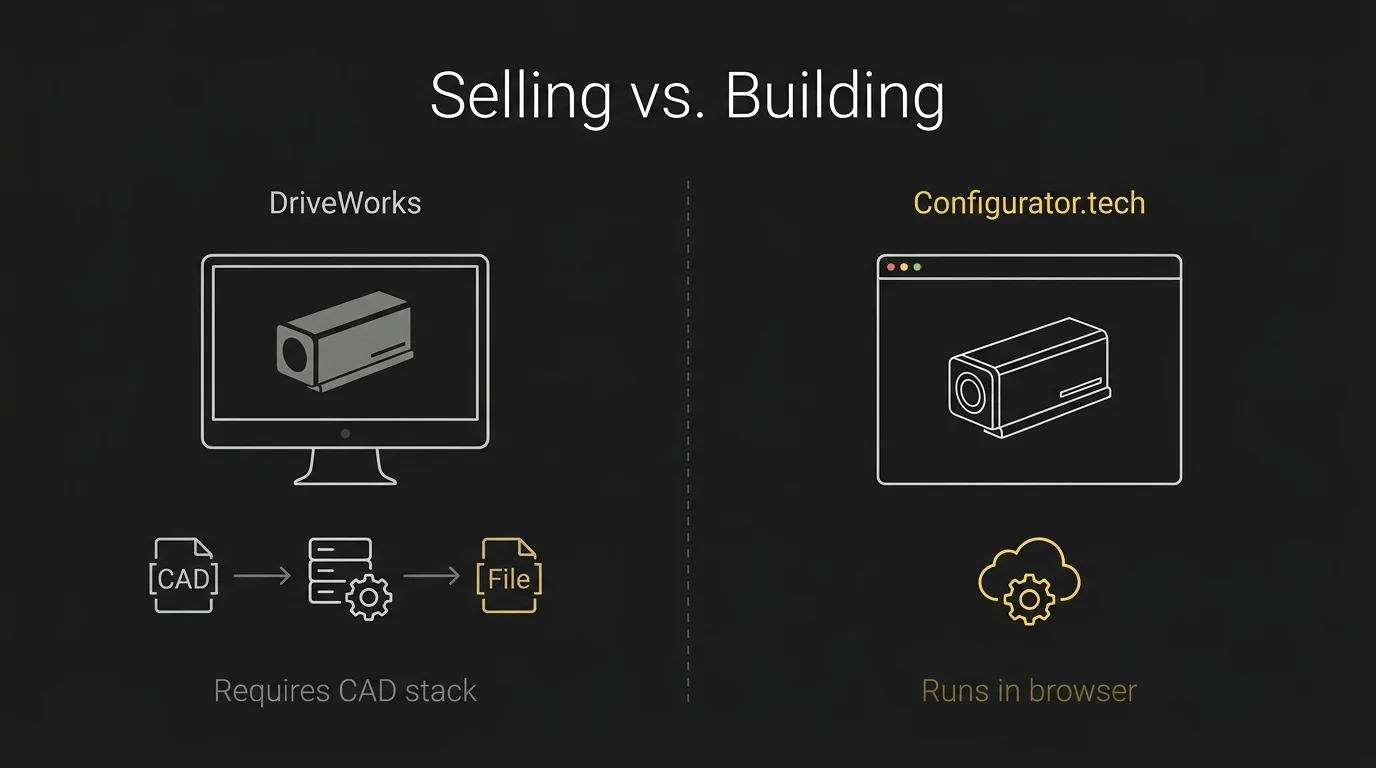
The key thing to understand is that DriveWorks Pro's web configurator (DriveWorks Live) still relies on SOLIDWORKS running on a server in the background. When someone configures a product in the browser, the system sends parameters to a server-side SOLIDWORKS instance that generates the actual CAD data. Output includes native SOLIDWORKS files plus a wide range of derived formats: DXF, DWG, STEP, STL, OBJ, PDF, eDrawings, 3MF, glTF, and more. DriveWorks also includes built-in analytics dashboards for tracking KPIs and specification status, plus multi-language support with automatic browser language detection.
Where DriveWorks Falls Short
DriveWorks' SOLIDWORKS integration is both its greatest strength and its most significant constraint. You need SOLIDWORKS licenses everywhere — Solo requires it on each user's machine, Pro requires it on the server running Autopilot (the background processing engine), and DriveWorks Live still needs server-side SOLIDWORKS to generate output. SOLIDWORKS itself typically costs several thousand dollars per seat plus annual maintenance.
Your engineering team builds and maintains the configurator. DriveWorks is designed for in-house implementation — your engineers define the rules, build the forms, set up the automation logic, and maintain it over time. For smaller teams, the tradeoff between configurator maintenance and product development time can be significant.
Scaling the web configurator adds complexity too. DriveWorks Live uses concurrent-session licensing — you purchase a set number of centralized licenses, and if traffic exceeds that, OnDemand licenses cover the overrun at additional cost. There are caps to control costs and monthly usage reports, but it requires ongoing monitoring and management. Pricing is not published and varies by region and reseller.
The platform's DNA is engineering-first. The form designer, rules engine, and workflow system are tools built for people who understand the product deeply. Putting a DriveWorks Live configurator directly in front of end customers is possible, but requires careful UX work to simplify what is fundamentally an engineering tool into a shopping experience.
Why Teams Switch from DriveWorks
What Configurator.tech Does Differently
Configurator.tech is a service provider that uses Beegraphy as the platform — the parametric configurator is one layer within a broader sales and operations stack. There's no SOLIDWORKS dependency, no desktop CAD software, no server-side license management. The platform's geometry kernel runs natively in the cloud and generates 3D solids directly from parametric rules and customer inputs. When a customer configures a product, the engine computes the geometry from scratch — correct dimensions, profiles, cuts, and joinery for that exact specification.
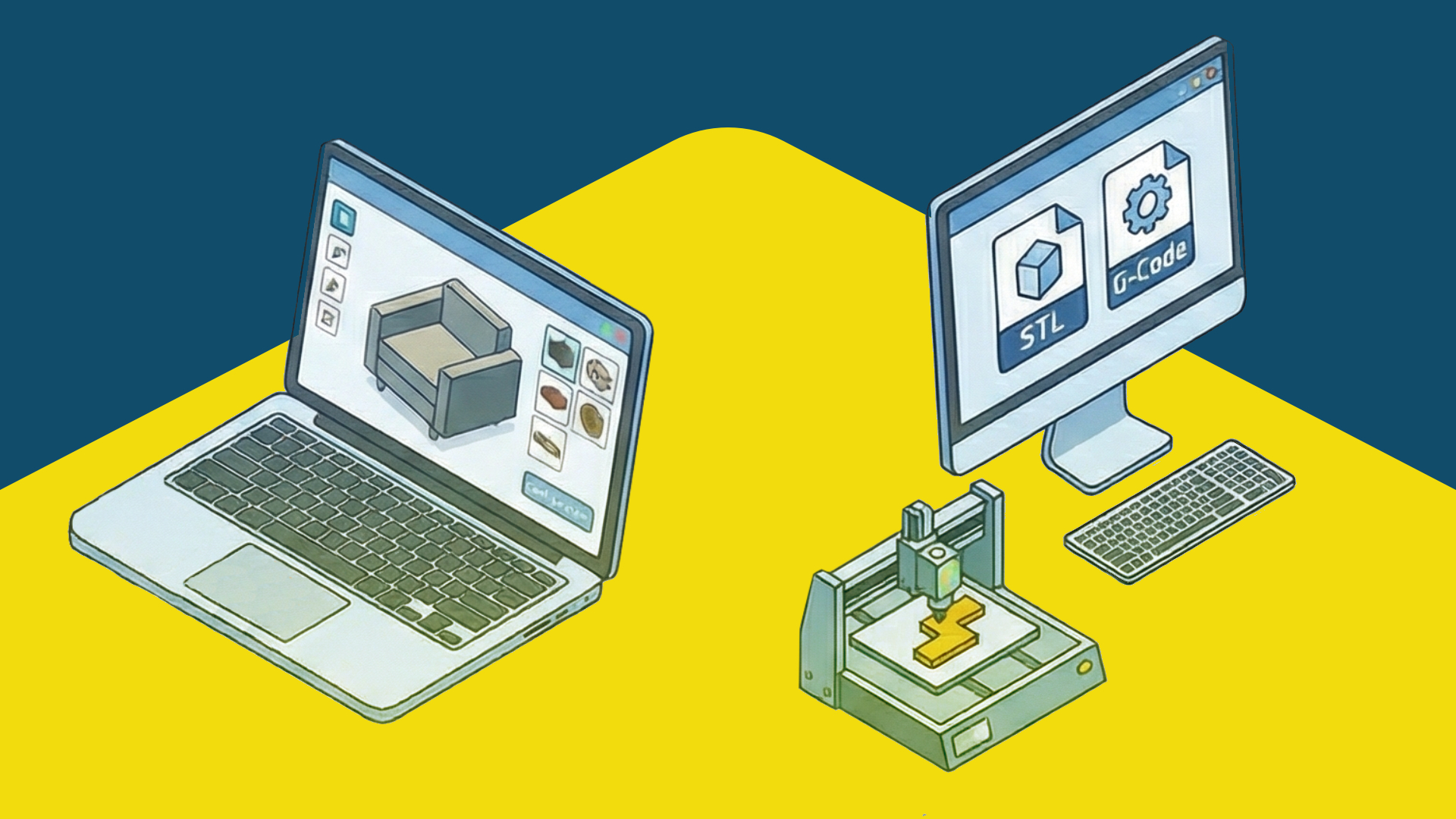
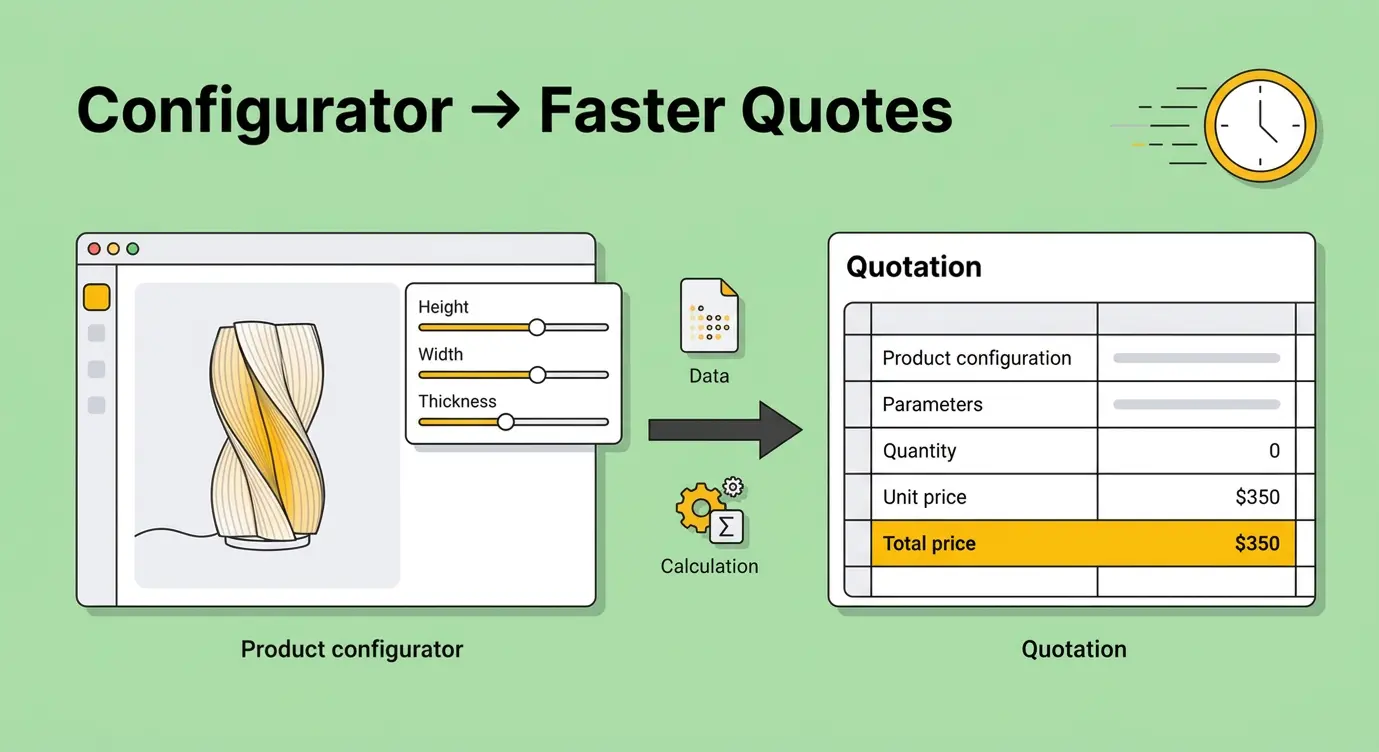
Every configuration produces format-agnostic production files: DXF, STL, OBJ, STEP, SVG, G-code, and a full Bill of Materials. These work with whatever your factory already uses — SOLIDWORKS, Fusion 360, FreeCAD, or a CNC controller that reads G-code directly. The platform includes a built-in real-time pricing engine, instant quote generation, a white-labeled business dashboard, and sales-focused configuration analytics. The parametric model is included as part of the setup — no engineering bandwidth needed to build or maintain it.
The platform also includes multi-language support with RTL scripts and automatic locale detection, and omnichannel deployment from a single configuration across website, Shopify, WooCommerce, marketplaces, and in-store kiosks. Full API and SDK access is available for custom front-end builds. Pricing is a one-time setup fee ($800 Starter / $8,800 Business) plus a flat $99/mo. See Configurator.tech pricing for full details.
Making the Choice
- Your engineering team lives in SOLIDWORKS and you want to automate repetitive CAD tasks
- Your production workflow depends on native SOLIDWORKS drawing packages
- You need to empower trained sales teams or dealer networks, not end customers
- You already have SOLIDWORKS licenses and infrastructure in place
- Your team has capacity to build and maintain the configurator in-house
- You want customers to configure and buy products directly on your website
- You don't use SOLIDWORKS or don't want your configurator to depend on it
- You need production files in standard formats (STEP, DXF, G-code) rather than native SOLIDWORKS
- You don't have engineering bandwidth to build and maintain a configurator
- You want predictable costs without CAD license dependencies or per-session billing
DriveWorks is the best tool for automating SOLIDWORKS — if SOLIDWORKS is the center of your engineering universe and you want to extend its power to sales and configuration, DriveWorks is purpose-built for that. Configurator.tech is the best tool for selling configured products online — a customer visits your website, configures to their exact specs, sees the price, places an order, and production files are ready to go, all without touching SOLIDWORKS or any desktop CAD system. One extends your CAD system. The other replaces the need for one.
Feature Comparison at a Glance
| Feature | Configurator.tech | DriveWorks |
|---|---|---|
| CAD dependency | None — fully cloud-based | Requires SOLIDWORKS (desktop + server) |
| Deployment | Cloud-native, browser-based | Server-side SOLIDWORKS + web front-end |
| Production files | DXF, STL, OBJ, STEP, SVG, G-code, BOM | Native SOLIDWORKS + DXF, DWG, STEP, STL, OBJ, PDF, and more |
| Intended user | End customers (self-service) | Engineers, sales teams, dealers (trained users) |
| Real-time pricing engine | Formula-driven, built-in | Rule-based CPQ with guided selling |
| Who builds the configurator | Parametric model included in setup | Your engineering team (in-house) |
| E-commerce integration | Shopify, WooCommerce, Wix, Squarespace, Etsy | Web deployment via DriveWorks Live |
| Configuration analytics | Sales-focused dashboards (combinations, abandonment, conversion) | KPI dashboards and specification tracking |
| Multi-language support | Built-in with RTL and locale detection | Built-in with browser language detection |
| Licensing model | $800 one-time + $99/mo, no per-seat fees | Per-seat + concurrent sessions (pricing via reseller) |
| Setup time | Days to 2-4 weeks | Weeks to months (in-house implementation) |
Want to see how Configurator.tech works without SOLIDWORKS? Book a free demo →