
'%3e%3cpath%20d='M15.1003%2043.5001C33.2091%2043.5001%2043.1166%2028.4935%2043.1166%2015.4838C43.1166%2015.062%2043.1072%2014.6307%2043.0884%2014.2088C45.0157%2012.815%2046.679%2011.0886%2048%209.11072C46.205%209.90932%2044.2993%2010.4309%2042.3478%2010.6576C44.4026%209.42594%2045.9411%207.49107%2046.6781%205.21166C44.7451%206.35724%2042.6312%207.16535%2040.4269%207.60134C38.9417%206.02324%2036.978%204.97835%2034.8394%204.62822C32.7008%204.27809%2030.5064%204.64222%2028.5955%205.66431C26.6846%206.68641%2025.1636%208.30953%2024.2677%2010.2827C23.3718%2012.256%2023.1509%2014.4694%2023.6391%2016.5807C19.725%2016.3843%2015.8959%2015.3675%2012.4%2013.5963C8.90405%2011.8251%205.81939%209.339%203.34594%206.29916C2.0888%208.46661%201.70411%2011.0314%202.27006%2013.4723C2.83601%2015.9132%204.31013%2018.047%206.39281%2019.4401C4.82926%2019.3905%203.29995%2018.9695%201.93125%2018.212V18.3338C1.92985%2020.6084%202.7162%2022.8133%204.15662%2024.5737C5.59704%2026.334%207.60265%2027.5412%209.8325%2027.9901C8.38411%2028.3864%206.86396%2028.4441%205.38969%2028.1588C6.01891%2030.115%207.24315%2031.8259%208.89154%2033.0528C10.5399%2034.2797%2012.5302%2034.9613%2014.5847%2035.0026C11.0968%2037.7423%206.78835%2039.2284%202.35313%2039.2213C1.56657%2039.2201%200.780798%2039.1719%200%2039.077C4.50571%2041.9676%209.74706%2043.5029%2015.1003%2043.5001Z'%20fill='%23F7F7F7'/%3e%3c/g%3e%3cdefs%3e%3cclipPath%20id='clip0'%3e%3crect%20width='48'%20height='48'%20fill='white'/%3e%3c/clipPath%3e%3c/defs%3e%3c/svg%3e)


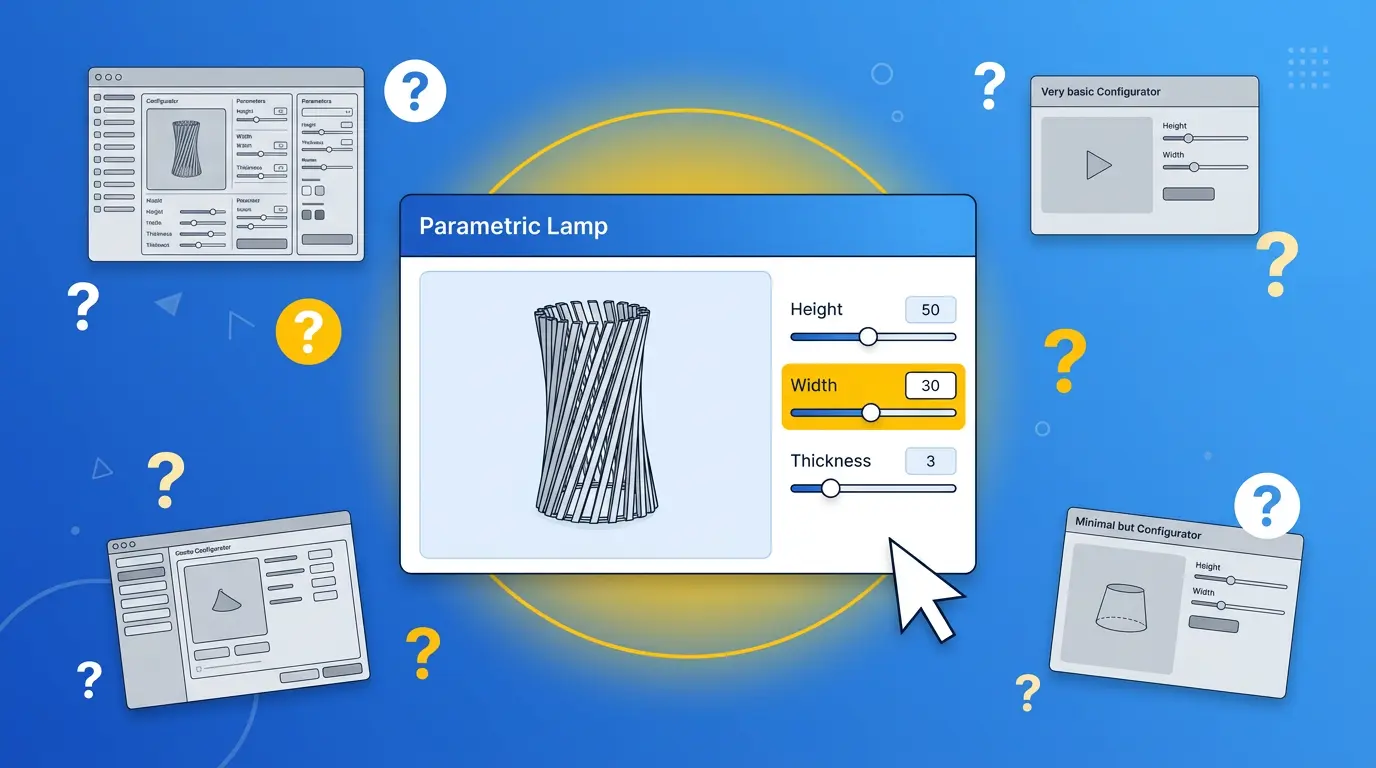
Here's something nobody tells you when you start shopping for a 3D product configurator: most of them were built to solve the same problem — help the customer see what they're buying, rotate it, change the color, hit "add to cart." That works great if you're selling sofas in five fabric options. But if your business makes products that are built to order, that approach starts falling apart fast. Understanding where Threekit excels — and where it hits its limits — helps you decide whether it's the right fit before you commit.
How Threekit Works
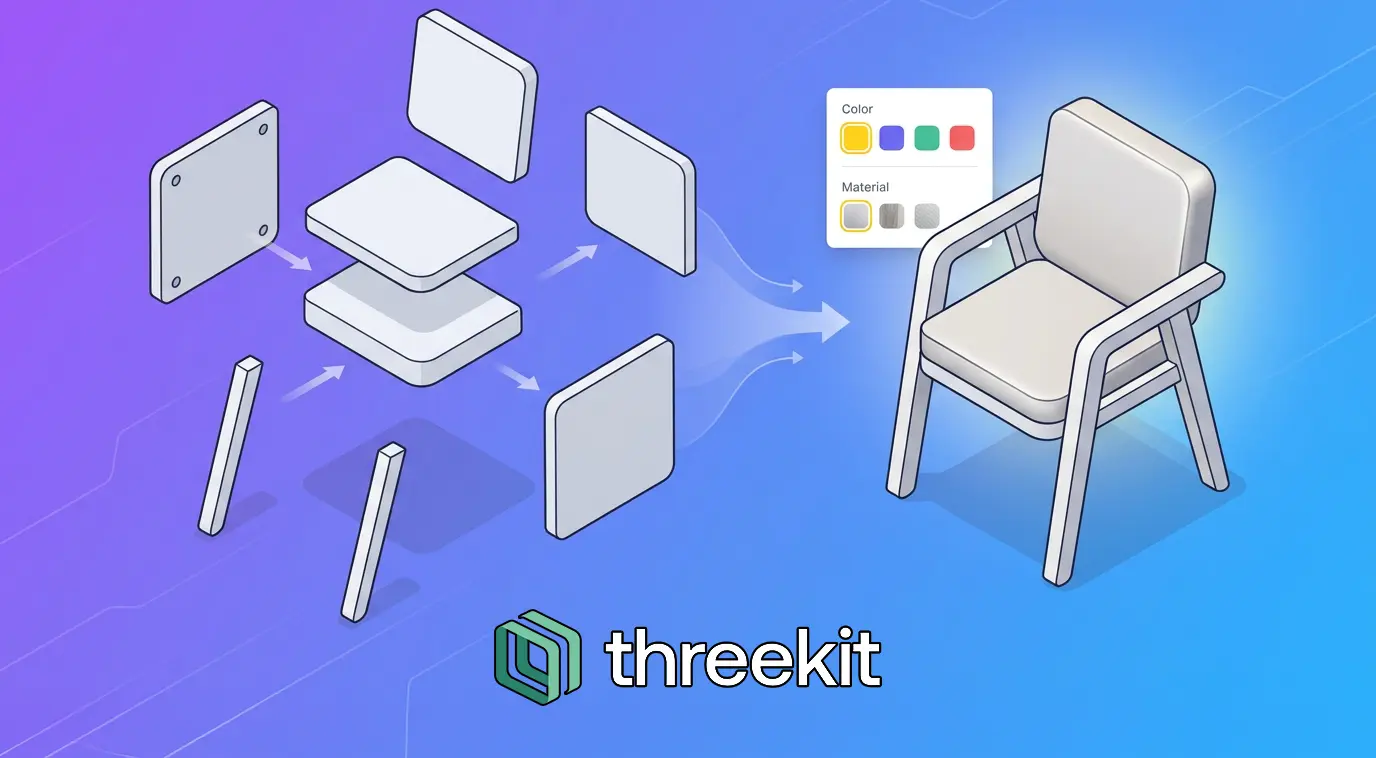
Threekit is an asset-based configurator. Your team (or a 3D agency) models every product component upfront in tools like Maya, 3DS Max, or Substance. Those pre-built assets get uploaded to Threekit's platform, where you define which parts can be swapped, which fabrics apply to which surfaces, and which legs go with which frames. When a customer configures something, the platform assembles the right combination of pre-made pieces and renders a beautiful image.
Threekit does several things really well. The photorealistic rendering and studio-quality lighting are among the best on the market — if the visual experience is your competitive advantage, Threekit delivers. Virtual photography replaces physical product shoots by generating images from 3D models, saving significant time and studio costs for catalogs with hundreds of variants. AR lets customers place configured products in their own room, which reduces returns. And enterprise integrations with Salesforce, SAP Commerce Cloud, Magento, and BigCommerce mean it can plug into an existing enterprise tech stack.
Where Threekit Falls Short
The geometry in Threekit never actually changes — what the customer sees is a remix of pre-modeled assets. If they need a size that wasn't pre-built, or a dimension that falls between predefined options, the system can't generate it. Threekit does offer CAD automation and manufacturing output features, including BOM generation and assembly instructions. However, because the underlying geometry is asset-based rather than parametric, these outputs are limited to the predefined components and configurations — they can't produce fabrication files for truly custom dimensions that weren't modeled upfront.
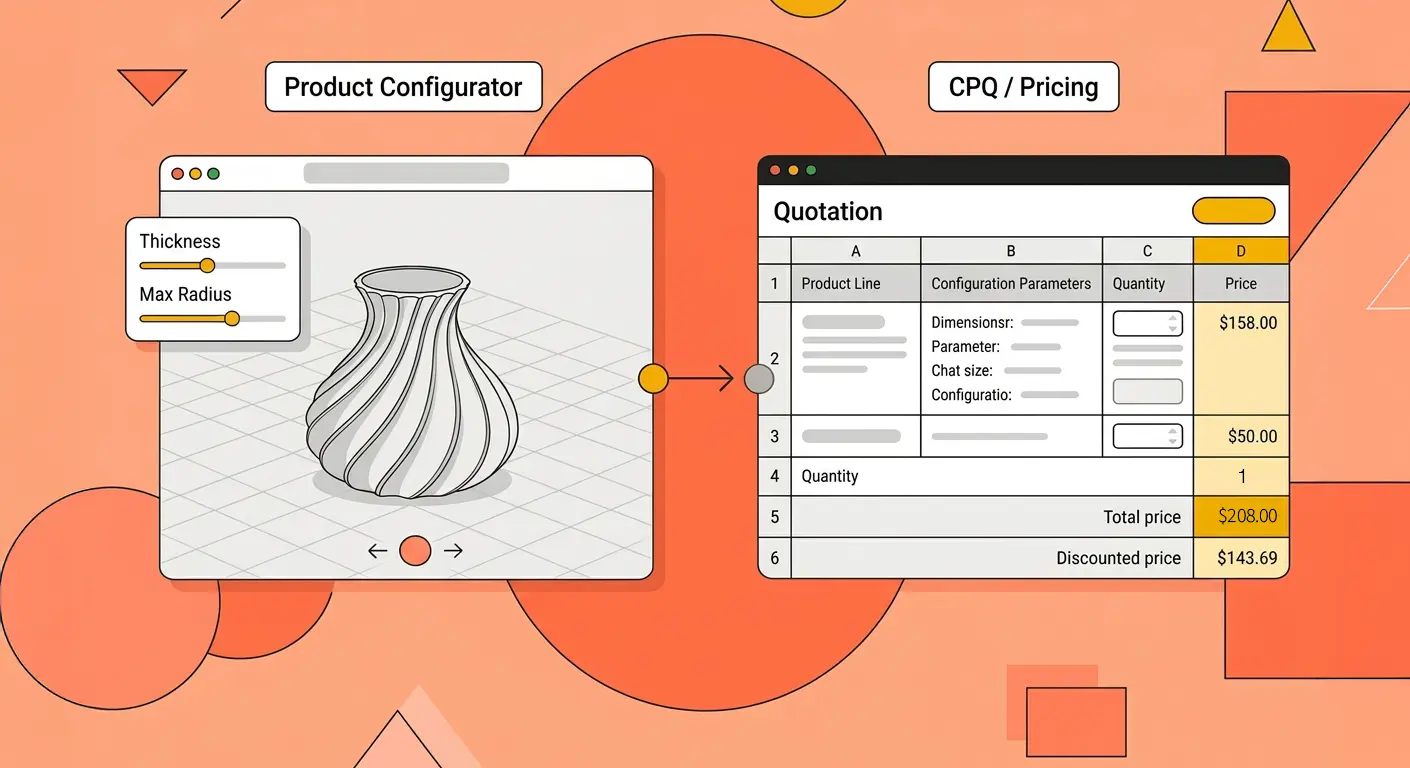
Threekit does offer basic buyer analytics (configuration changes, session length) exported as CSV, but it lacks the richer dashboard-level insights like abandonment funnels, price sensitivity, and A/B testing that product and sales teams typically need. There is no native multi-language support (localization needs custom front-end work), and omnichannel deployment from a single configuration requires separate setup per channel. Threekit has introduced standalone CPQ capabilities, but its pricing engine is most powerful when paired with Salesforce CPQ — teams without an existing CPQ stack may find it limited.
The authoring cost is significant too. Professional 3D modeling in Maya or 3DS Max is required for every component, material, and variant — often tens of thousands of dollars before the configurator goes live. Threekit's pricing is custom and unpublished, reportedly starting around $500/month depending on catalog size. Add asset creation costs, and the total investment climbs quickly without a clear ceiling.
Why Teams Switch from Threekit
What Configurator.tech Does Differently
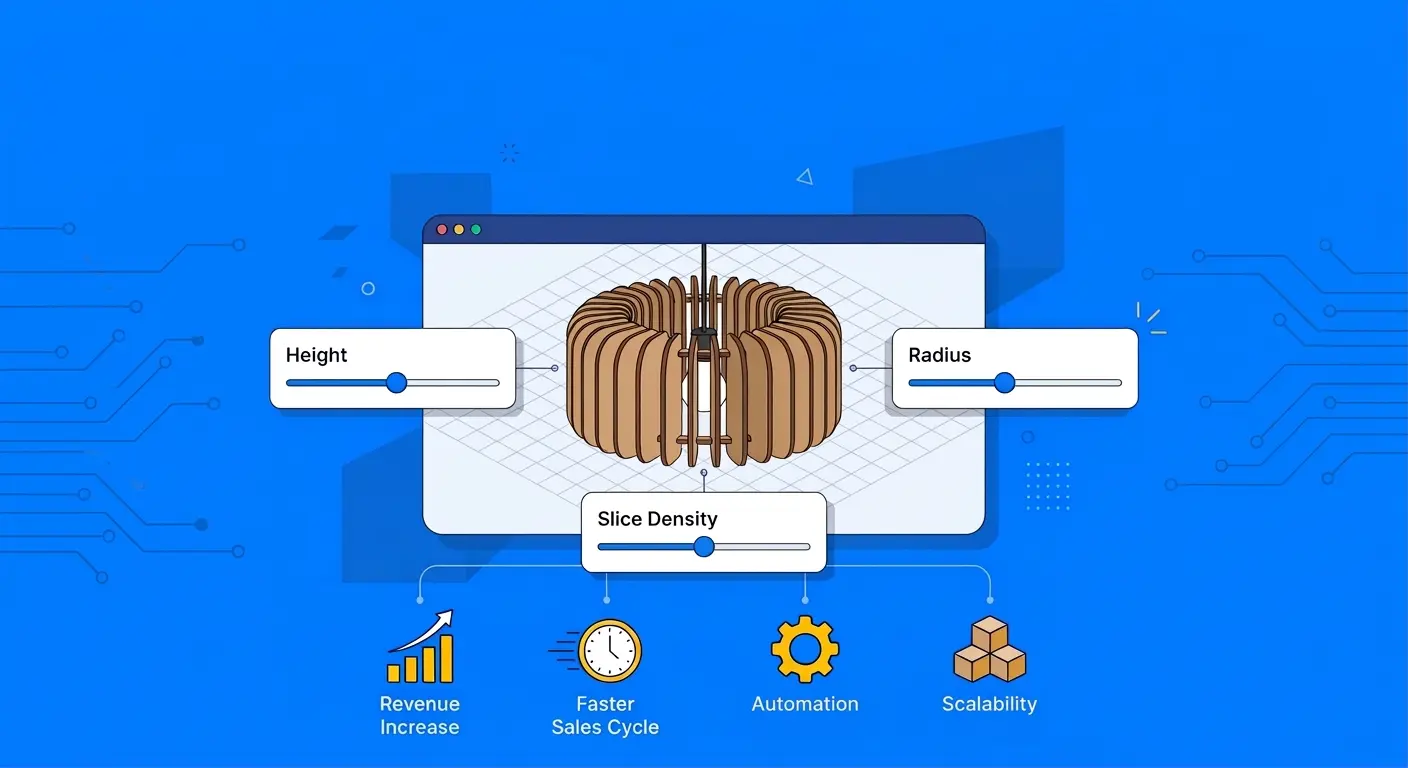
Configurator.tech is a service provider that uses Beegraphy as the platform — the parametric configurator is one layer within a broader sales and operations stack. The platform includes a built-in real-time pricing engine with formula-driven pricing, multi-currency, taxes, and discounts. It generates instant quotes, provides a white-labeled business dashboard for managing orders and inventory, and automatically outputs production-ready files (DXF, STL, OBJ, STEP, SVG, G-code, and BOM) for every configuration. The configurator runs on the platform's cloud-native geometry kernel — when a customer enters a custom dimension, the engine rebuilds the entire model to that exact specification. The parametric model is included as part of the setup, so no 3D artists or CAD licenses are needed.
The platform also includes built-in configuration analytics, multi-language support with RTL scripts and automatic locale detection, and omnichannel deployment from a single configuration across website, Shopify, WooCommerce, marketplaces, and in-store kiosks. Pricing is a one-time setup fee ($800 Starter / $8,800 Business) plus a flat $99/mo. Teams that want a fully custom front-end have full access to APIs and SDKs. See Configurator.tech pricing for full details.
The Honest Answer
- Your product is about choosing from curated options, not custom dimensions
- Photorealistic rendering and virtual photography are top priorities
- You have budget for professional 3D asset creation
- You're an enterprise with Salesforce/SAP already in place
- Your customers define their product rather than select it
- Dimensions vary per order and you need fabrication files out the other end
- You want the entire journey from configuration to factory handled in one platform
- You need predictable pricing without enterprise sales calls
- You want built-in analytics, multi-language, and omnichannel deployment
Most manufacturers we talk to have been through some version of the same frustration: they tried a visual configurator, it looked great on the website, and then someone still had to manually redraw every order in CAD before it could go to production. Configurator.tech exists to eliminate that gap entirely.
Feature Comparison at a Glance
| Feature | Configurator.tech | Threekit |
|---|---|---|
| Configuration approach | Parametric (geometry generated live) | Asset-based (pre-modeled parts assembled) |
| Custom dimensions per order | Yes, any value within constraints | No, predefined options only |
| Production files (DXF, STEP, G-code) | Auto-generated for any dimension | CAD automation (predefined configurations only) |
| BOM generation | Built-in | Built-in (predefined components) |
| Real-time pricing engine | Built-in | Basic standalone CPQ (best with Salesforce) |
| 3D asset creation required | No — parametric model included in setup | Yes — Maya, 3DS Max, or agency |
| Photorealistic rendering | Real-time WebGL | Studio-quality rendering |
| Virtual photography | Not built-in | Built-in |
| AR support | WebAR, native AR | Built-in AR |
| Configuration analytics | Sales-focused dashboards (combinations, abandonment, conversion) | Basic buyer analytics (CSV export) |
| Multi-language support | Multi-language support, built-in | Custom build required |
| Published pricing | Yes — $800 one-time + $99/mo | No — custom quotes only |
| Setup time | Days to 2-4 weeks | Months (asset creation + onboarding) |
Want to see what that looks like for your product? Book a free demo →