
'%3e%3cpath%20d='M15.1003%2043.5001C33.2091%2043.5001%2043.1166%2028.4935%2043.1166%2015.4838C43.1166%2015.062%2043.1072%2014.6307%2043.0884%2014.2088C45.0157%2012.815%2046.679%2011.0886%2048%209.11072C46.205%209.90932%2044.2993%2010.4309%2042.3478%2010.6576C44.4026%209.42594%2045.9411%207.49107%2046.6781%205.21166C44.7451%206.35724%2042.6312%207.16535%2040.4269%207.60134C38.9417%206.02324%2036.978%204.97835%2034.8394%204.62822C32.7008%204.27809%2030.5064%204.64222%2028.5955%205.66431C26.6846%206.68641%2025.1636%208.30953%2024.2677%2010.2827C23.3718%2012.256%2023.1509%2014.4694%2023.6391%2016.5807C19.725%2016.3843%2015.8959%2015.3675%2012.4%2013.5963C8.90405%2011.8251%205.81939%209.339%203.34594%206.29916C2.0888%208.46661%201.70411%2011.0314%202.27006%2013.4723C2.83601%2015.9132%204.31013%2018.047%206.39281%2019.4401C4.82926%2019.3905%203.29995%2018.9695%201.93125%2018.212V18.3338C1.92985%2020.6084%202.7162%2022.8133%204.15662%2024.5737C5.59704%2026.334%207.60265%2027.5412%209.8325%2027.9901C8.38411%2028.3864%206.86396%2028.4441%205.38969%2028.1588C6.01891%2030.115%207.24315%2031.8259%208.89154%2033.0528C10.5399%2034.2797%2012.5302%2034.9613%2014.5847%2035.0026C11.0968%2037.7423%206.78835%2039.2284%202.35313%2039.2213C1.56657%2039.2201%200.780798%2039.1719%200%2039.077C4.50571%2041.9676%209.74706%2043.5029%2015.1003%2043.5001Z'%20fill='%23F7F7F7'/%3e%3c/g%3e%3cdefs%3e%3cclipPath%20id='clip0'%3e%3crect%20width='48'%20height='48'%20fill='white'/%3e%3c/clipPath%3e%3c/defs%3e%3c/svg%3e)


Zakeke is one of the most popular product customization tools in e-commerce, especially for Shopify stores. But "customization" means very different things depending on what you sell. Does your customer want to put their logo on a mug, or do they need to specify exact dimensions for a cabinet? This post examines what Zakeke does well, where its approach hits limits, and what to consider if your products require more than surface-level personalization.
How Zakeke Works
Zakeke started as a 2D product customization tool and has expanded into 3D configuration, AR, and virtual try-on. It's available on Shopify, WooCommerce, Adobe Commerce, Salesforce Commerce Cloud, BigCommerce, PrestaShop, Wix, and more — with API access for custom integrations. Installation is genuinely plug-and-play. On Shopify, you can go from install to live in hours.
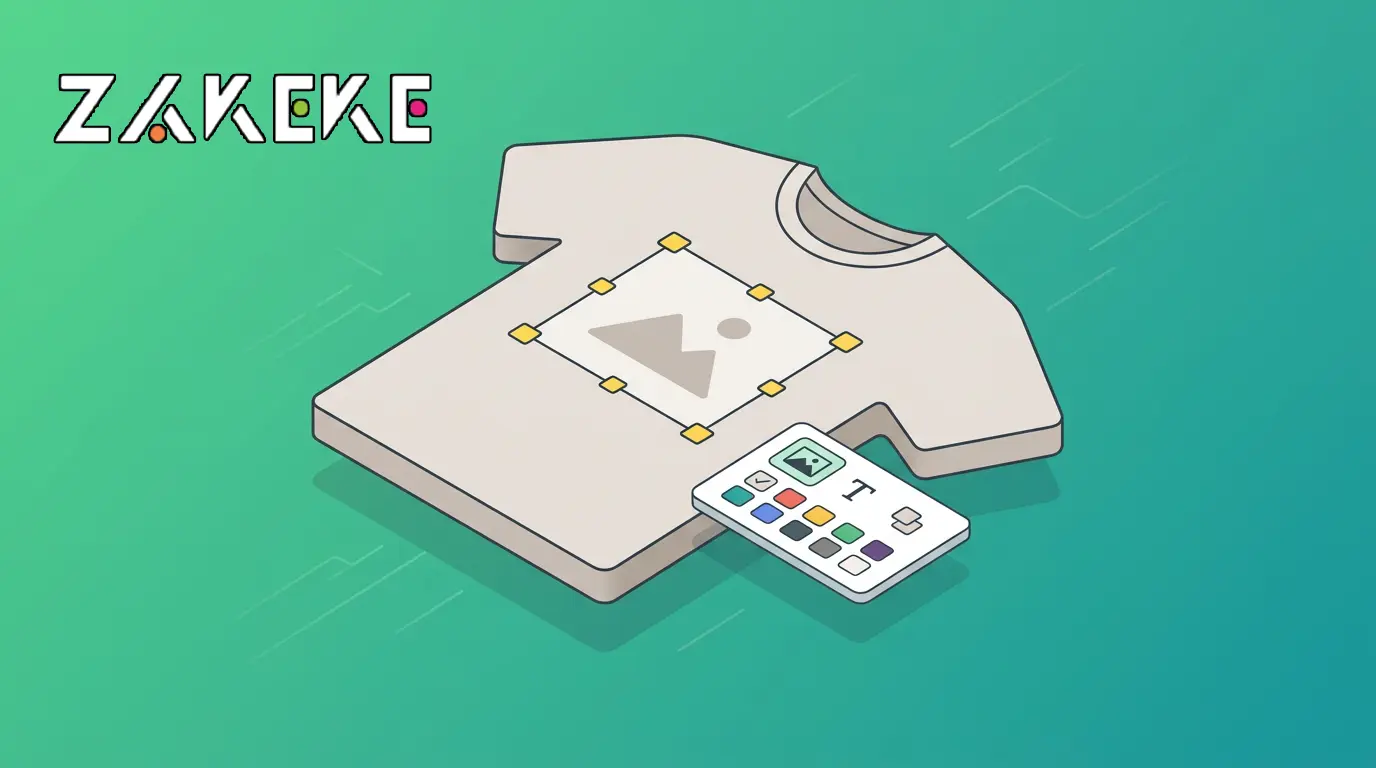
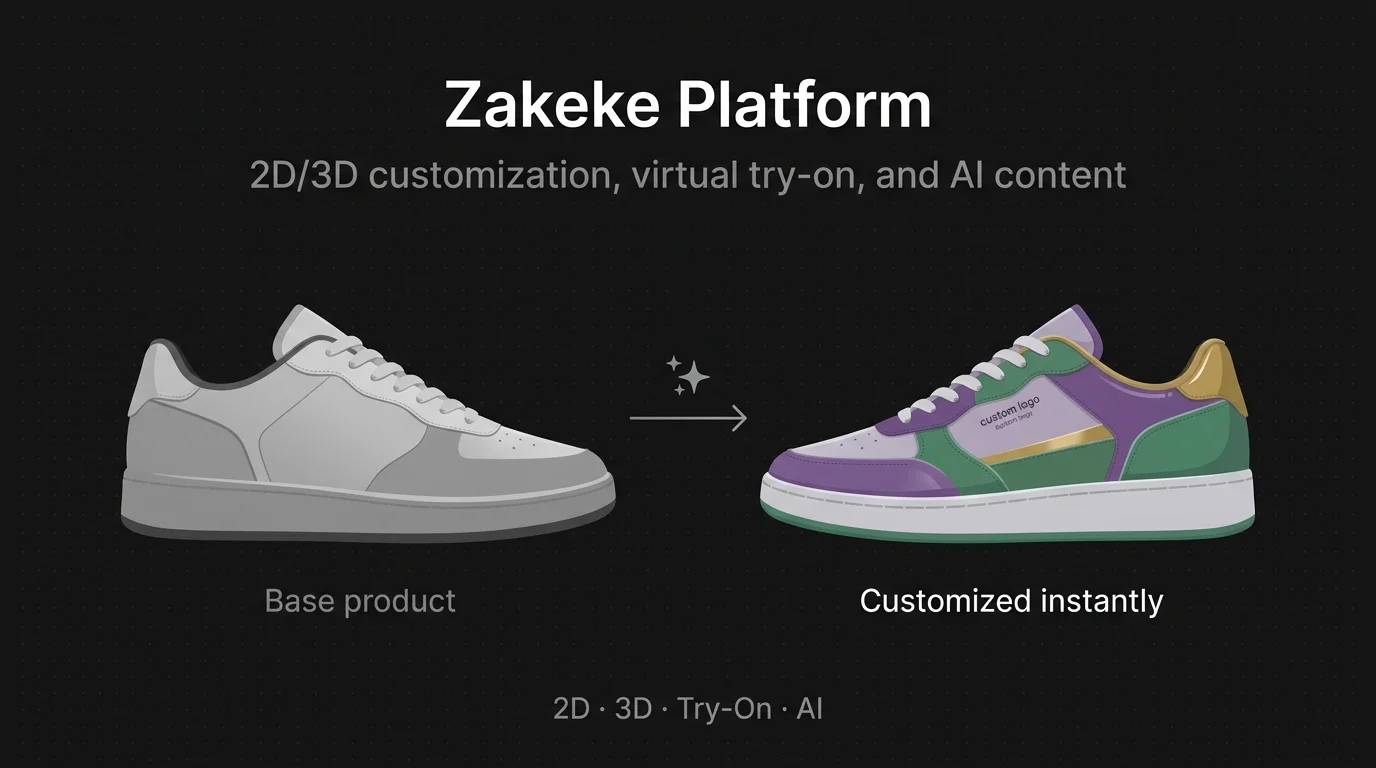
The platform does several things well. The 2D Visual Customizer is Zakeke's original strength — customers add text, upload images, pick fonts, change colors, and position artwork on products. Think custom phone cases, engraved jewelry, personalized t-shirts. When the order comes through, Zakeke generates print-ready files (PDF, PNG, SVG, DXF) that go straight to your printer or engraver. The 3D Product Configurator is more capable than basic part-swapping — it supports conditional logic, attribute dependencies (selecting one option can show, hide, or swap other components), dynamic pricing rules based on selections, and even a "Get a Quote" mode for B2B CPQ workflows. Virtual Try-On supports eyewear, hats, jewelry, footwear, and more using the phone camera. An AR Viewer places products in real-world environments. The 3D Asset Hub lets you create 3D models from photos and convert CAD files to web-ready assets. And the AI Agent Studio generates product photos, videos, and ad creatives from existing images using AI prompts.
Zakeke also includes built-in analytics for tracking asset performance and user engagement, multi-language support with 50+ currencies, and a 3D asset optimizer that can reduce file sizes by over 90%.
Where Zakeke Falls Short
Zakeke's 3D configurator handles component-based configuration well — conditional logic, attribute dependencies, and material swapping are all supported. But the underlying geometry is always a pre-uploaded static model. If you sell a desk in three sizes, you need three separate 3D models uploaded and configured independently. There's no parametric engine generating new geometry based on customer-specified dimensions. For products where every order involves unique measurements — custom furniture, made-to-measure cabinetry, staircases, industrial parts — this is a fundamental limitation regardless of how sophisticated the rules engine is.
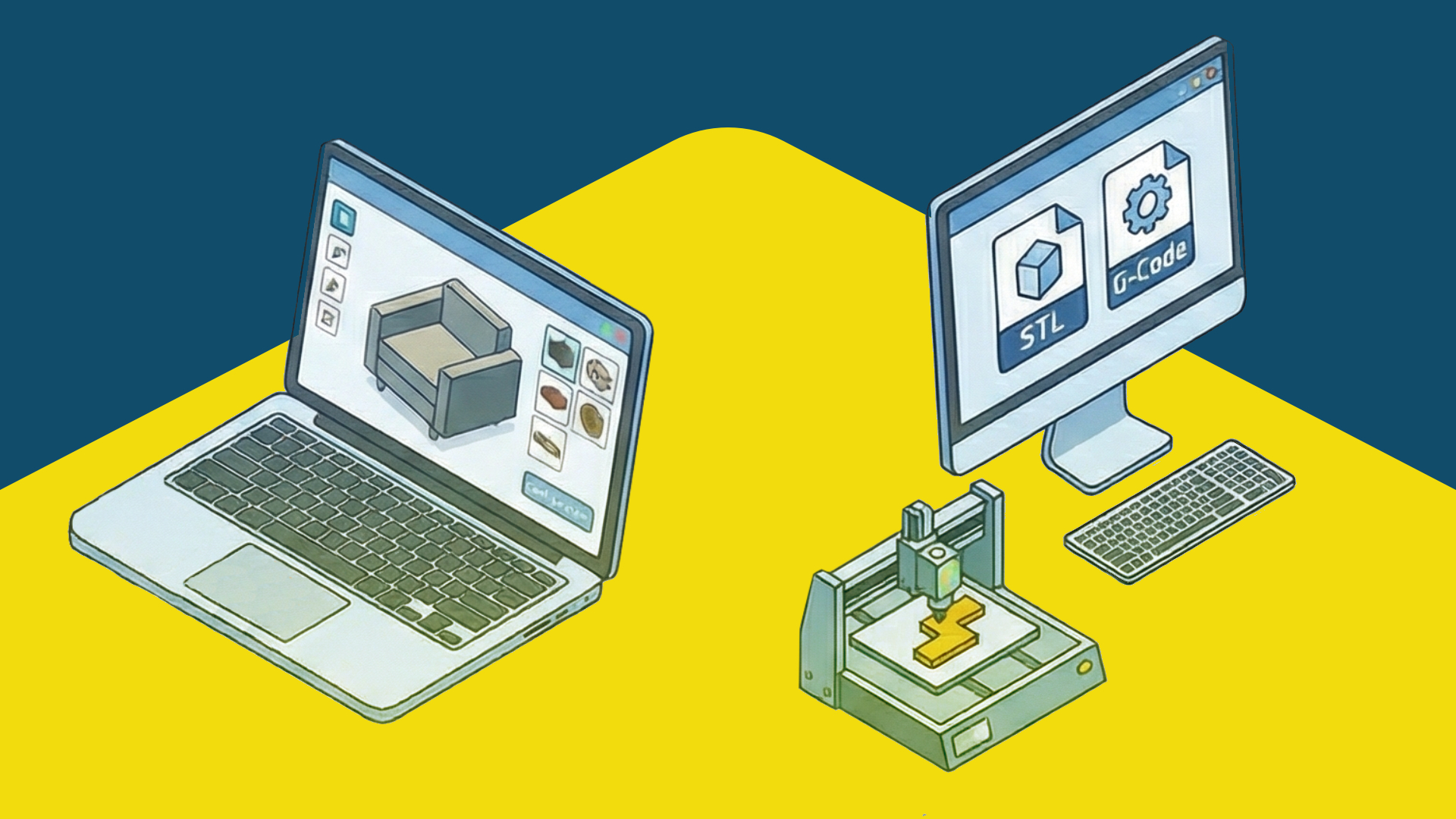
The output reflects this too. Zakeke generates print-ready files (excellent for printing and engraving) and visual previews, but not manufacturing-ready fabrication files like STEP, G-code, or dimensionally precise DXF for CNC machines. There's no automatic Bill of Materials generation for production workflows.
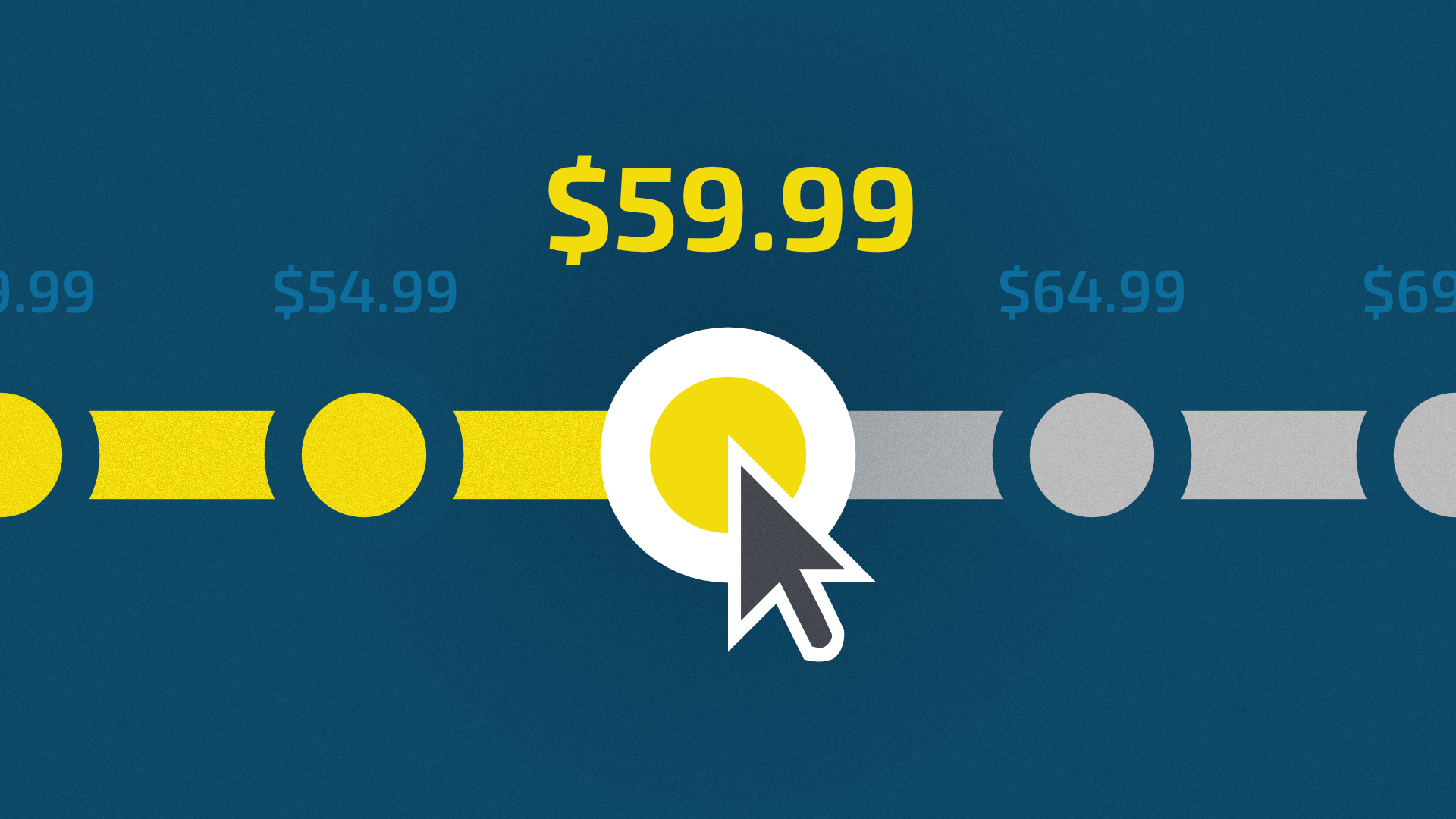
Zakeke's pricing also scales in ways that aren't obvious from the headline numbers. Plans start around $68/mo (Starter) up to $340/mo (Scale). Grow and Scale plans incur a transaction fee of 1.5% to 1.9% per order. Each plan caps published products (5 on Starter, 25 on Grow, 50 on Scale). Additional team members cost $4.90/mo each, and 3D/AR features require an extra add-on. Lower-tier plans display "Powered by Zakeke" branding. For growing businesses with larger catalogs and higher order volumes, these costs compound.
Why Teams Switch from Zakeke
What Configurator.tech Does Differently
Configurator.tech is a service provider that uses Beegraphy as the platform — the parametric configurator is one layer within a broader sales and operations stack. Where Zakeke starts with a pre-made 3D model and lets customers swap surfaces, Configurator.tech starts with a parametric definition powered by the platform's cloud-native geometry kernel. When a customer changes a dimension from 800mm to 1,200mm, the engine rebuilds the entire product with the correct proportions, joinery, cut patterns, and structural logic for that specific size.
Every configuration produces fabrication-ready output: DXF, STL, OBJ, STEP, SVG, G-code, and a full Bill of Materials. The platform includes a built-in real-time pricing engine (formula-driven, with multi-currency, taxes, and discounts), instant quote generation, a white-labeled business dashboard, and sales-focused configuration analytics. The parametric model is included as part of the setup — no 3D artists or CAD licenses needed. Full API and SDK access is available for custom front-end builds.
The platform also includes multi-language support with RTL scripts and automatic locale detection, and omnichannel deployment from a single configuration across website, Shopify, WooCommerce, marketplaces, and in-store kiosks. Pricing is a one-time setup fee ($800 Starter / $8,800 Business) plus a flat $99/mo. See Configurator.tech pricing for full details.
A Simple Way to Decide
- Your customers personalize products with text, images, colors, and artwork
- You need print-ready files for sublimation, engraving, or direct-to-garment
- Your 3D configuration means swapping pre-designed components, not custom dimensions
- Virtual try-on for eyewear, jewelry, or accessories is a priority
- Your customers specify dimensions, and the geometry changes per order
- You need fabrication files (DXF, STEP, G-code, BOM) for manufacturing
- You want integrated pricing, quoting, and order management
- You need predictable costs without transaction fees or product caps
- You want one configurator across all sales channels
The simplest test: when a customer "customizes" your product, does the shape change? If not — they're picking colors, adding text, swapping pre-designed components — Zakeke is an excellent, affordable, fast-to-deploy tool. If yes — they're specifying dimensions, defining geometry, creating something that doesn't exist until they order it — that's a fundamentally different problem, and it's the one Configurator.tech was built to solve.
Feature Comparison at a Glance
| Feature | Configurator.tech | Zakeke |
|---|---|---|
| Configuration approach | Parametric (geometry generated live) | Asset-based (2D personalization + 3D part swapping) |
| Custom dimensions per order | Yes, any value within constraints | No, predefined options only |
| Production files (DXF, STEP, G-code) | Auto-generated for any dimension | Print-ready 2D files (PDF, PNG, SVG, DXF) |
| BOM generation | Built-in | Not available |
| Real-time pricing engine | Formula-driven, built-in | Dynamic pricing rules + B2B quote requests |
| 2D personalization (text, images, artwork) | Not built-in | Core strength |
| Virtual try-on | Not built-in | Built-in (eyewear, jewelry, footwear) |
| AR support | WebAR, native AR | Built-in AR |
| AI-generated product photos | Not built-in | AI Agent Studio |
| Configuration analytics | Sales-focused dashboards (combinations, abandonment, conversion) | Asset performance and engagement metrics |
| Multi-language support | Built-in with RTL and locale detection | Built-in with 50+ currencies |
| Pricing model | $800 one-time + $99/mo, no transaction fees | From ~$68/mo + 1.5-1.9% on Grow/Scale + product caps |
| Setup time | Days to 2-4 weeks | Hours to days (Shopify app install) |
Want to see Configurator.tech in action for your product? Book a free demo →